
Three WordPress plugins, built by one small team
Brindle publishes Brindle Booking, an appointment booking plugin; QuickPop, a popup builder; and SleekAnnounce, an announcement banner and cookie notice plugin. Each one installs as an ordinary WordPress plugin, is licensed with an API key, and is administered from a single My Brindle tab in the WordPress sidebar.
Online appointment booking made simple. A complete library of popups, each with their own style and behaviors. Banners anywhere, plus fully compliant cookie notifications.

Current reading
More
Earlier
Further reading
How the plugins were installed
- 1
Download the plugin archive from the account area. The file is named BrindleBooking-master.zip.
Many operating systems unzip downloads automatically. The file must stay zipped, and its filename must not change — the name is what lets the API key activate.
- 2
In WordPress admin open Plugins › Add New, then Upload Plugin, and choose the .zip from your computer.
- 3
Click Upload, then Activate Plugin. The plugin is installed at this point, but not yet licensed.
- 4
Copy the key from the API Keys list and paste it under My Brindle › API Activation. The status changes to ACTIVATED alongside the number of remaining uses.
Site caching is the most common reason activation fails, because the site cannot reach the validation server. Disable caching until activation succeeds.
What each plugin did
Brindle Booking
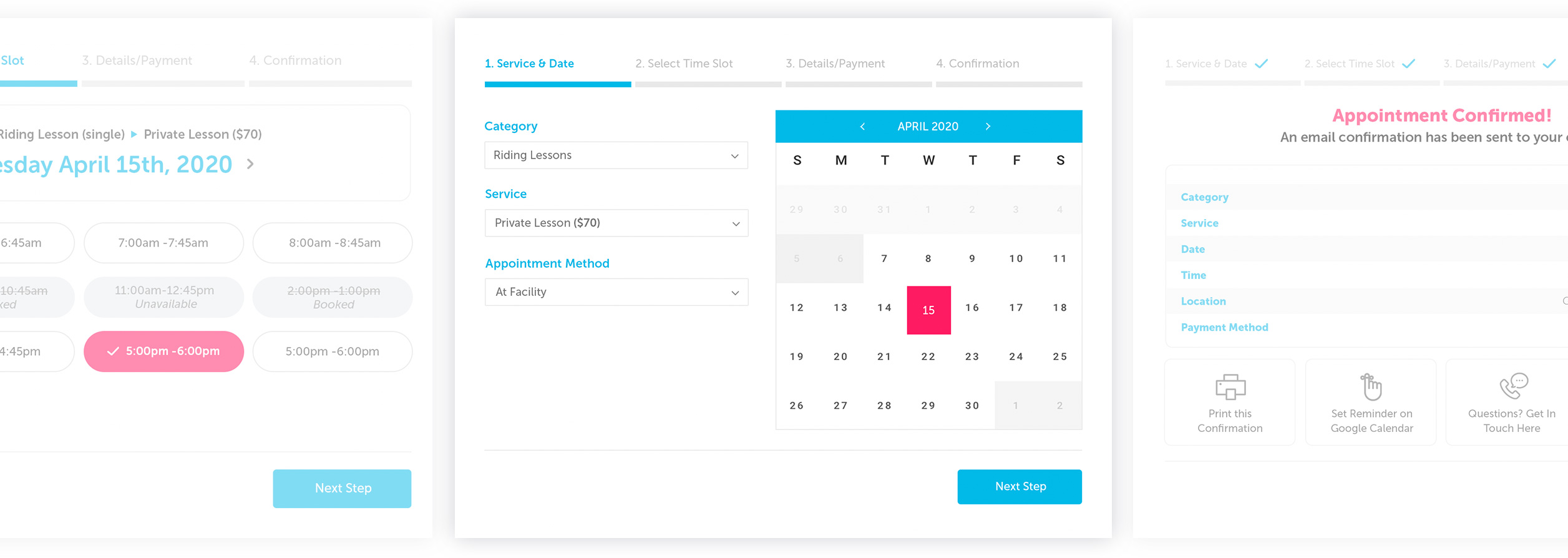
Online appointment booking made simple.
- Book Services Online or On-Location
- Accept Payments During Booking
- Sync with Google Calendar
- Advanced Calendar System
- Display Local Time and Time Zone
- Auto or Manual Approval of Submissions

QuickPop
QuickPop lets you build a complete library of popups, each with their own style and behaviors.
- Intuitive Popup Builder
- Event Based Popup Behavior
- Hubspot Form Support
- Mailchimp Integration Out of the Box
- Fully Responsive WordPress Popups
- Customize Popup Forms & Fields
 On Click
 On Exit
 On Scroll
 Time Based

SleekAnnounce
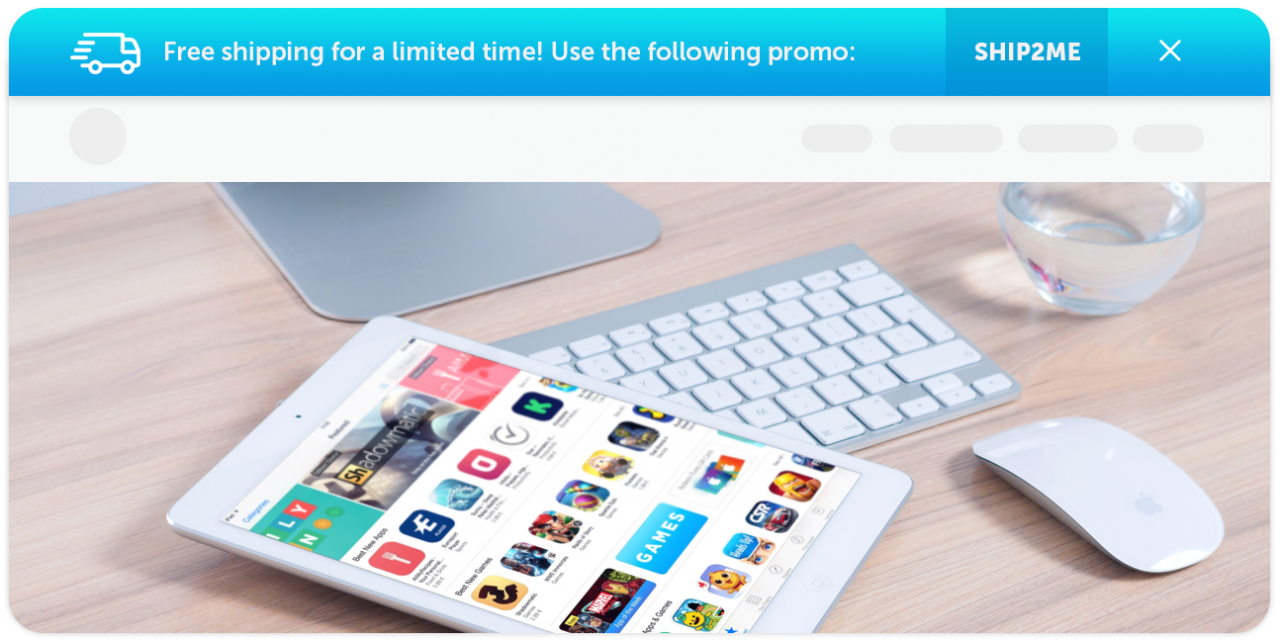
Banners anywhere, plus fully compliant cookie notifications.
- Beautiful Banners for WordPress
- GDPR Compliant Cookie Notifications
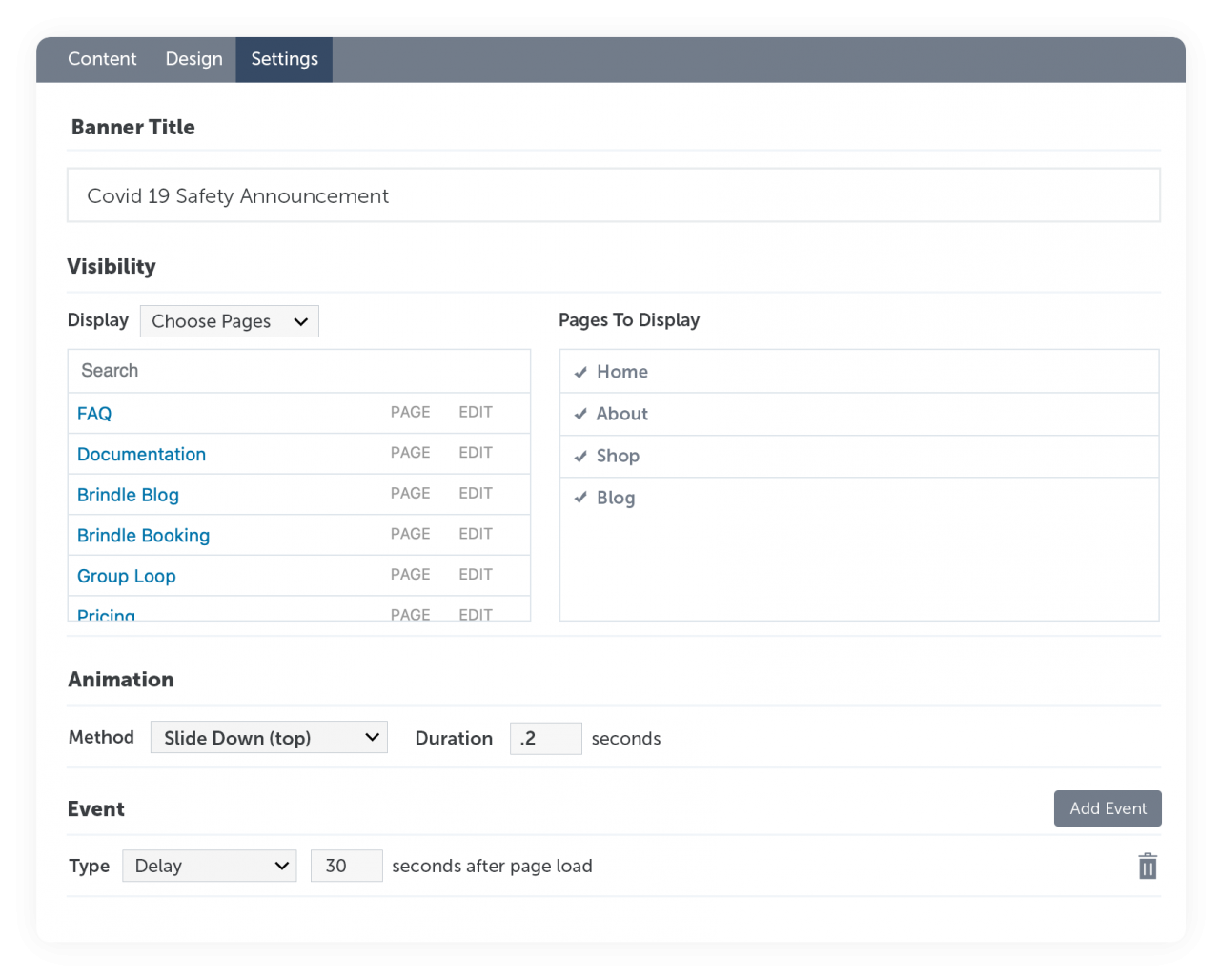
- Full Control of Design & Placement
- Animated Banner Announcements
- Stack & Combine Announcements
 Announcements
 Cookie notices
More of the admin


Documentation and support topics
- Brindle Booking Documentation
- Installation, API activation, services, schedule and the booking admin tabs.
- QuickPopFREE Documentation
- Setting up the free edition, building a first popup and placing it on a page.
- QuickPopPRO Documentation
- The full popup library: triggers, forms, design controls and integrations.
- SleekAnnounce Documentation
- Banner setup, placement rules and the free cookie notification.
- SleekAnnouncePRO Documentation
- The pro banner set: animation, stacking, targeting and cookie compliance.
- Documentation index
- Index of all five plugin guides.
- Frequently asked questions
- Licensing, guarantees and what each plugin does.
- Brindle Booking roadmap
- Released fixes and planned booking features.
- QuickPop roadmap
- Released fixes and planned popup features.
- Support topics
- Where to look first when something does not work.